10 free, fully editable timeline templates for PowerPoint and Google Slides. Download as-is, or click Customize to change the dates and milestones in seconds.
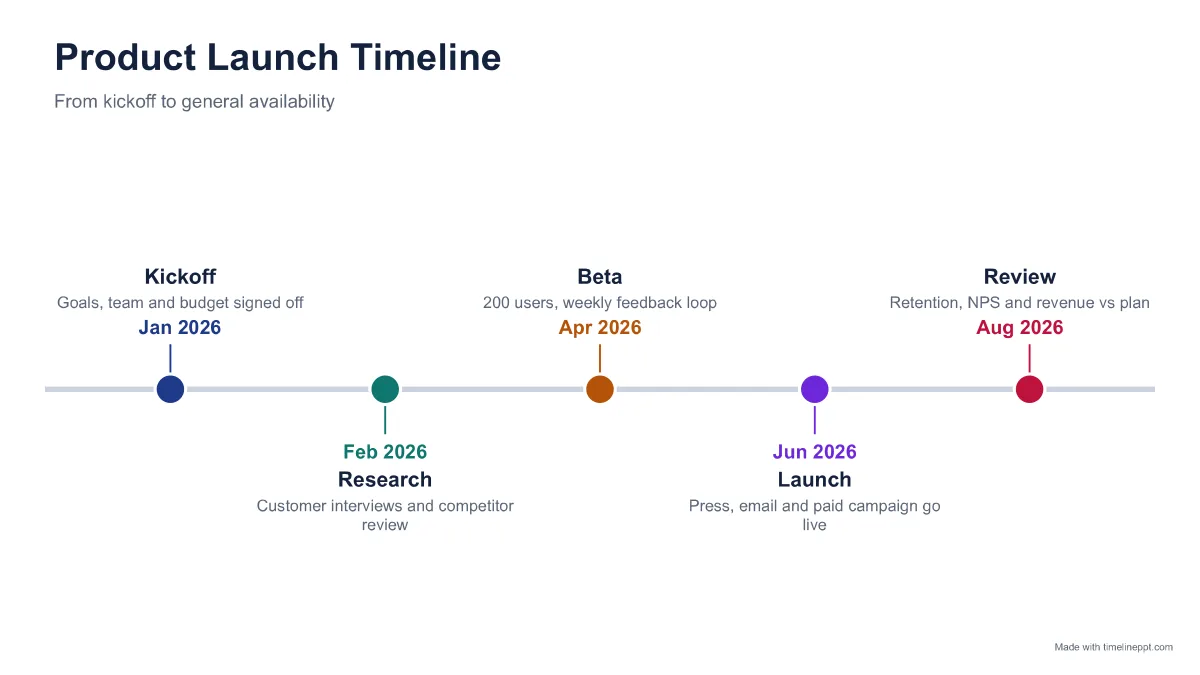
Product launch timeline
Classic line timeline for a launch plan, from kickoff to post-launch review.
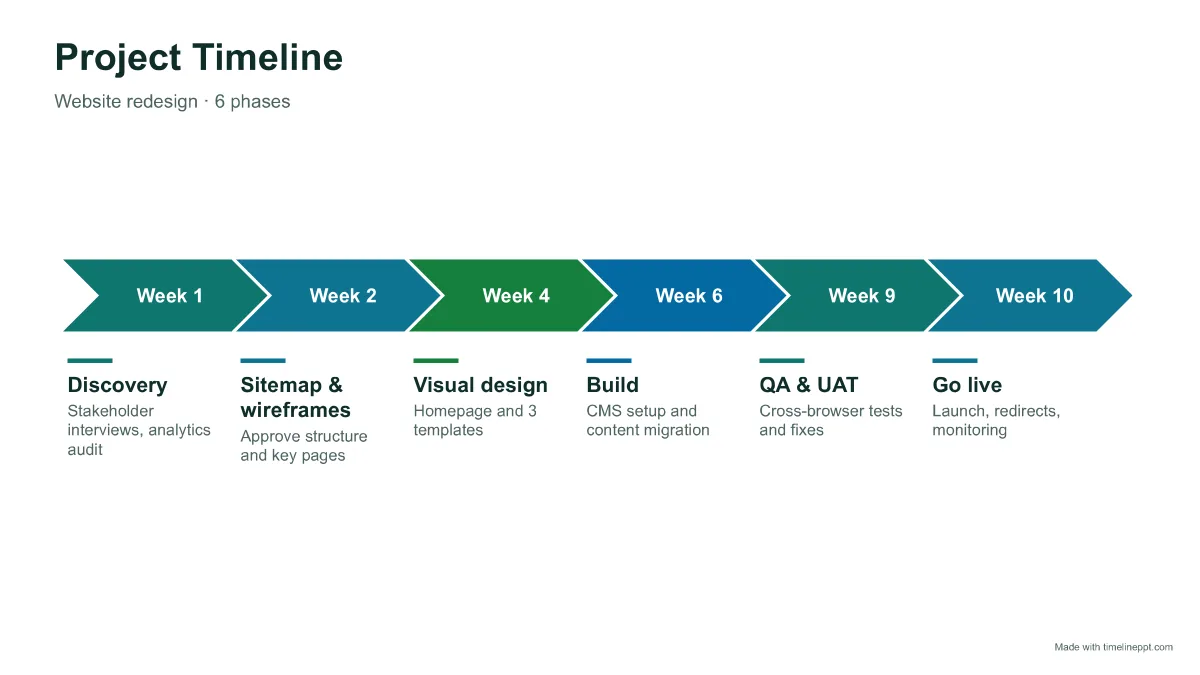
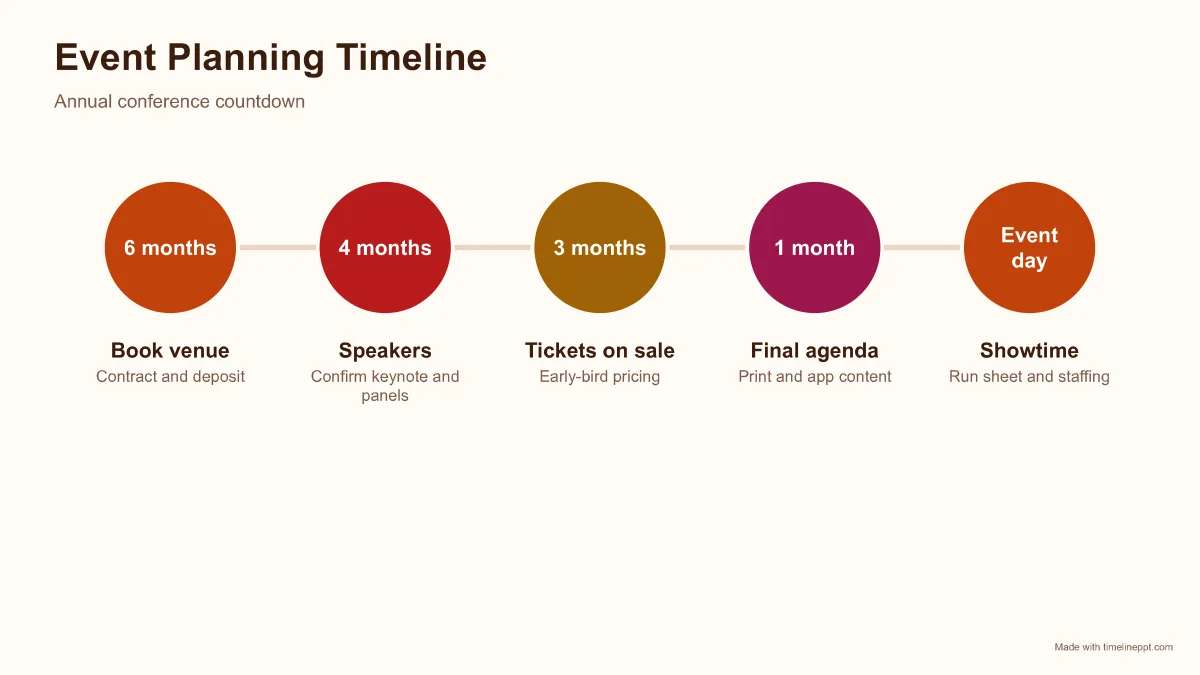
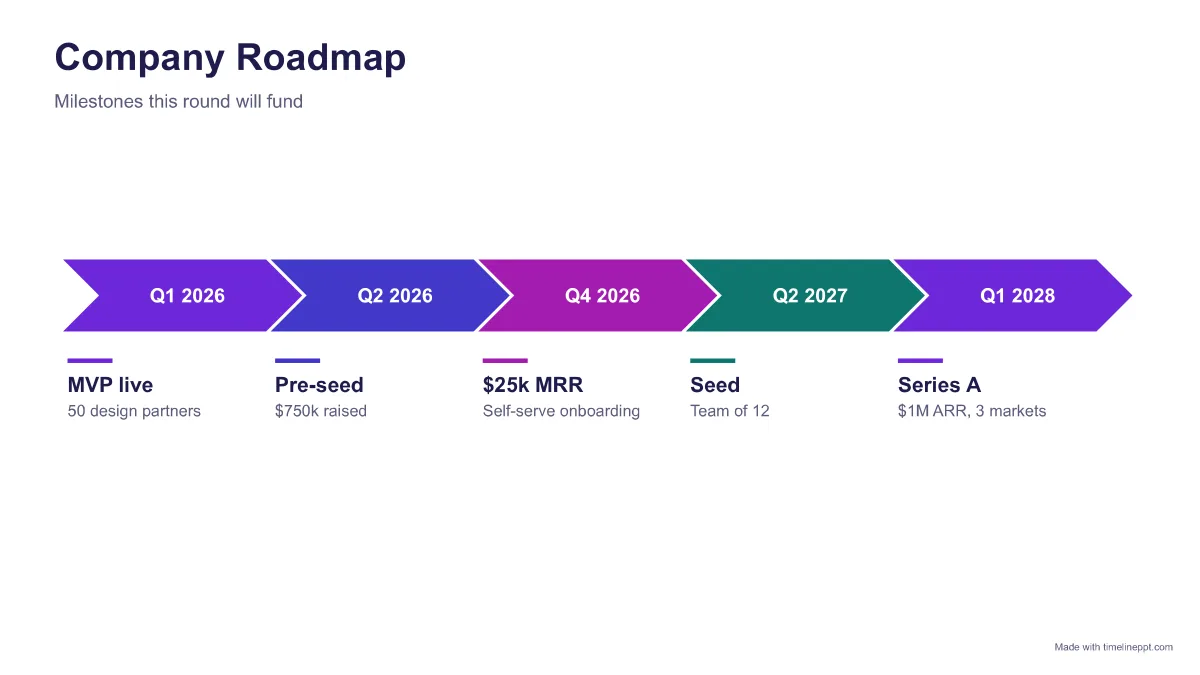
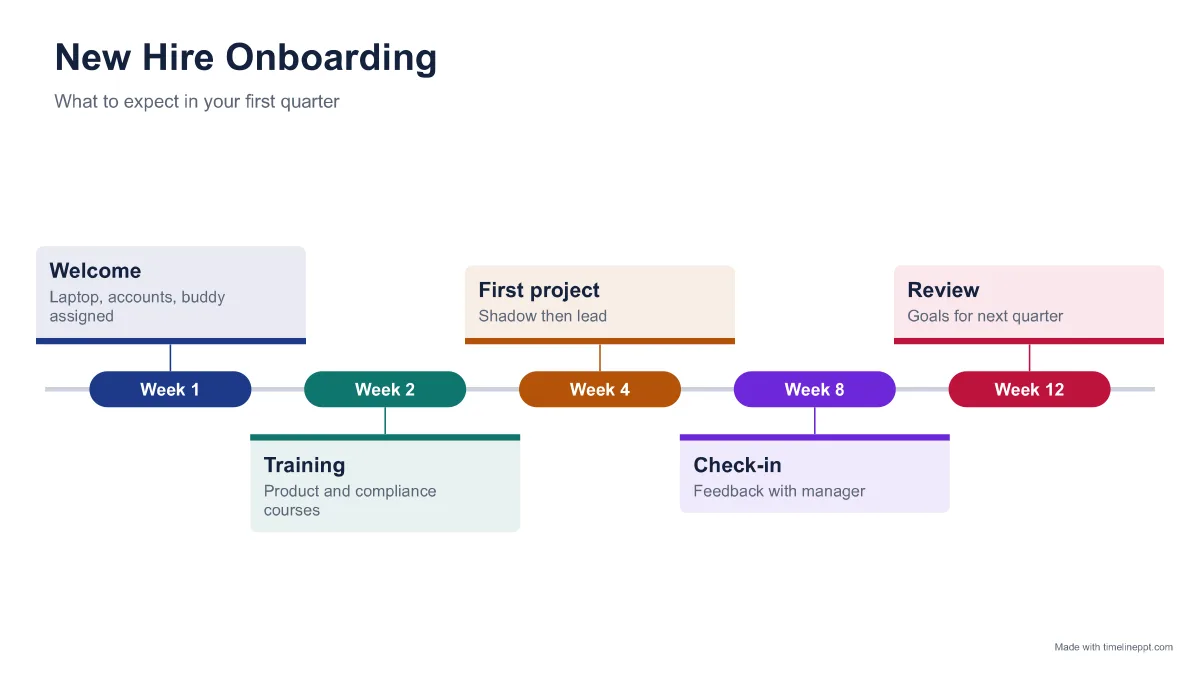
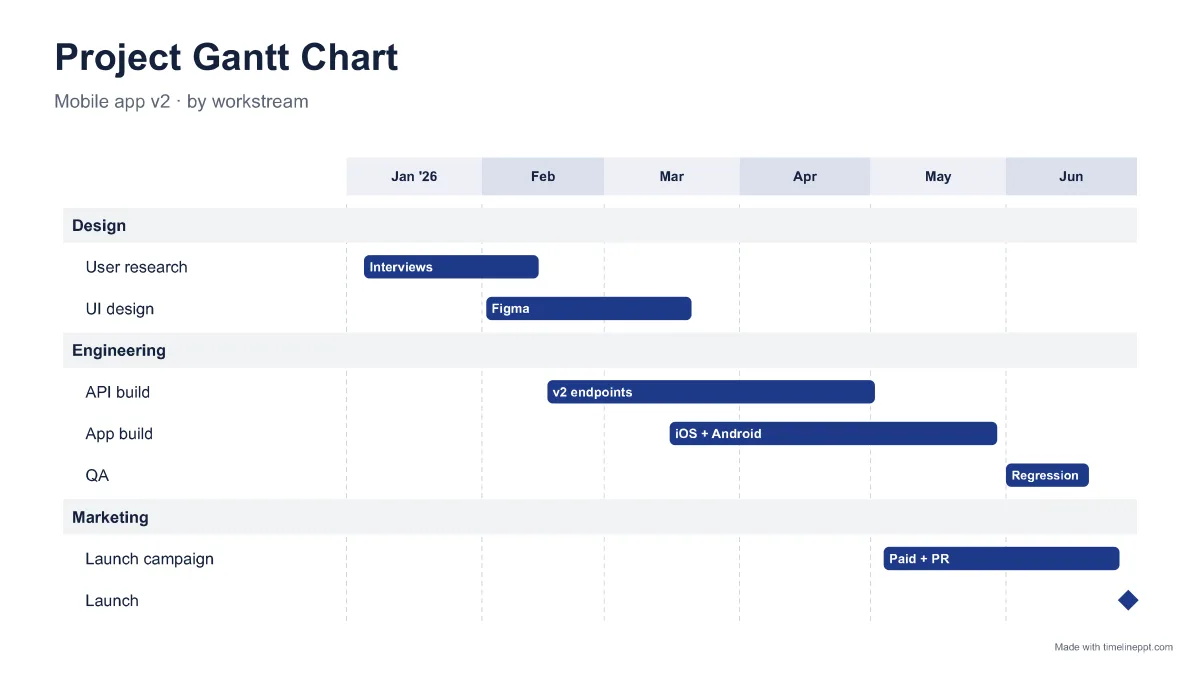
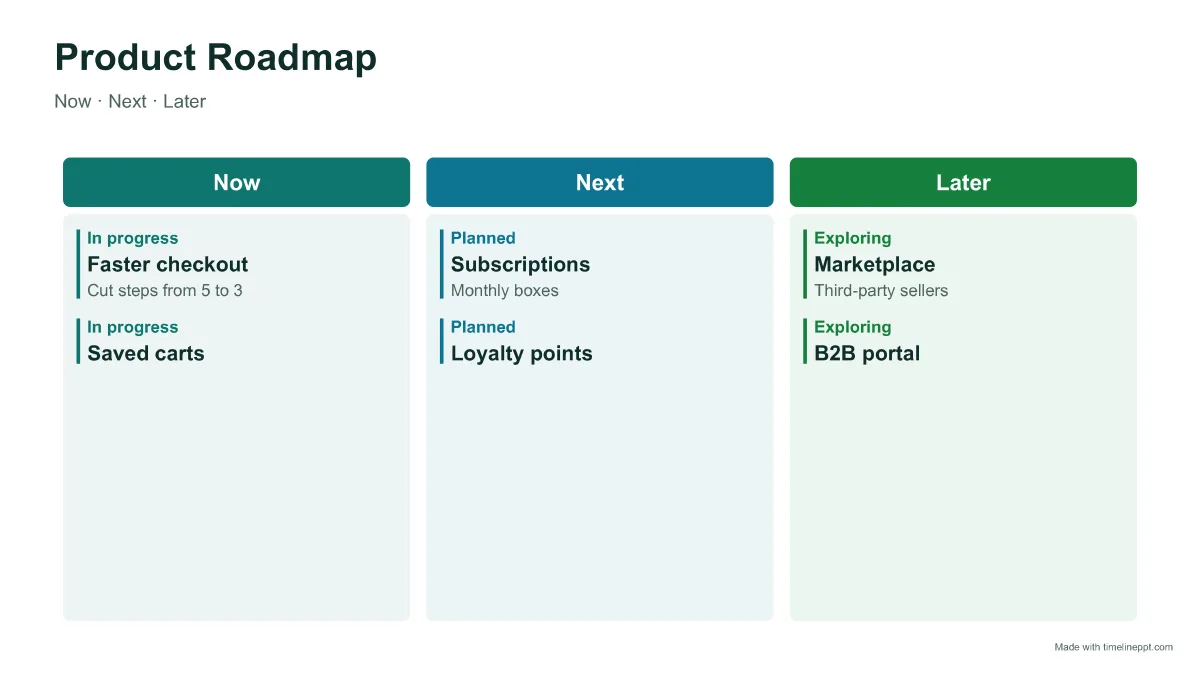
Start with the story, not the design. If your audience needs to see sequence (what happens after what), an arrow process or steps template is clearest. If they need to see timing (how far apart events are), use a to-scale line such as the minimal history timeline. For plans grouped by quarter or team, a roadmap columns or Gantt layout reads fastest.
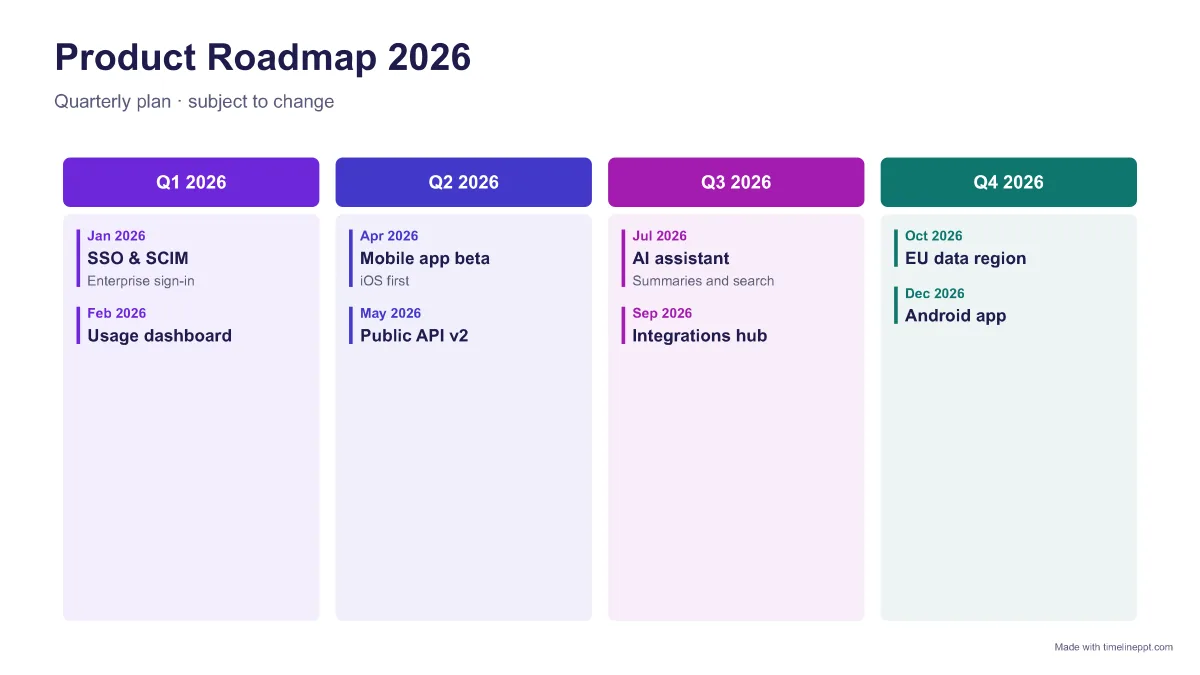
Roadmap: quarterly columns or Now/Next/Later. See roadmap templates.
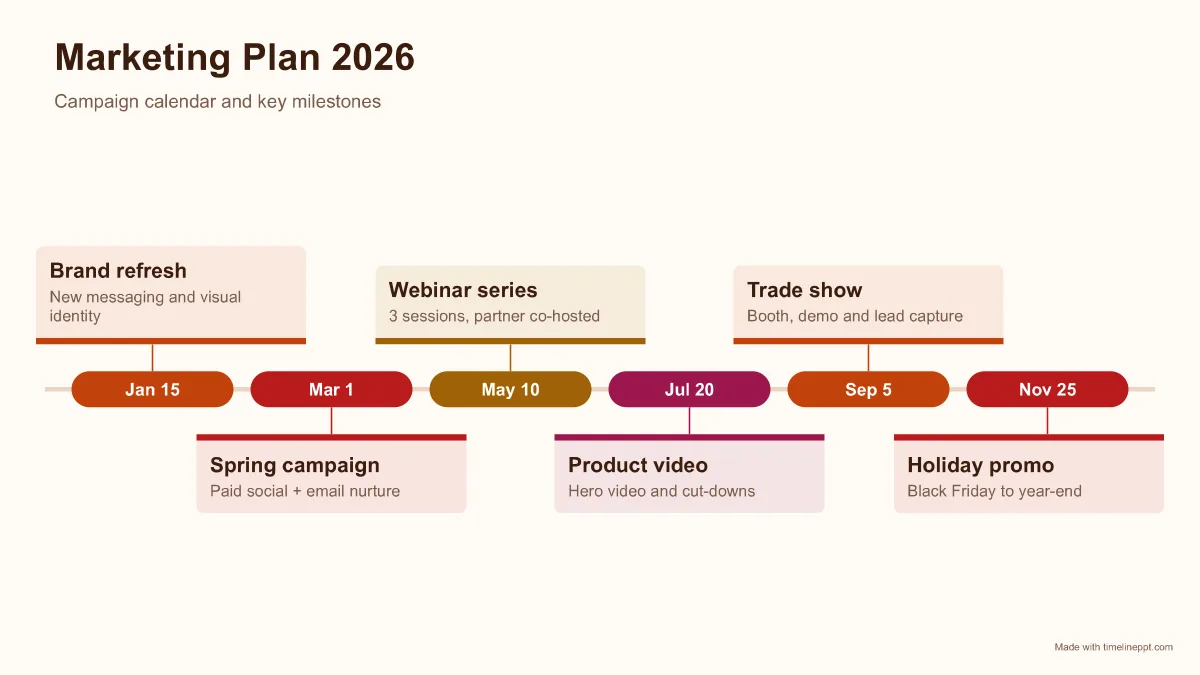
Marketing planner: milestone cards with one note per campaign.
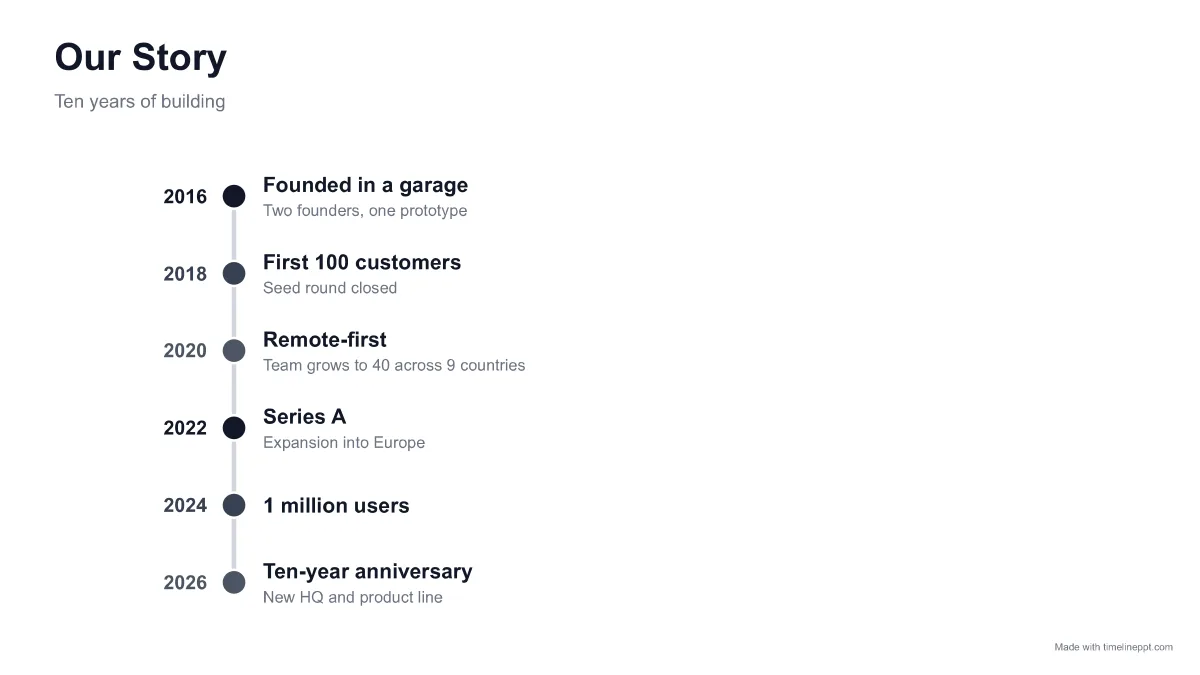
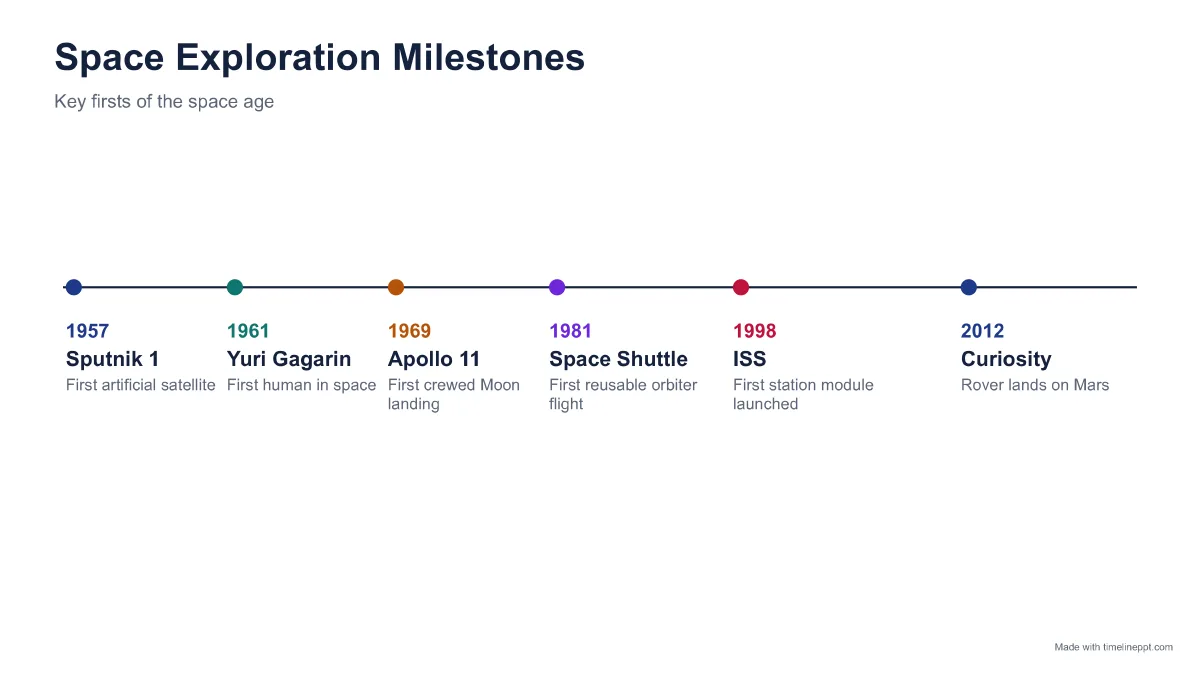
History or school project: minimal line with real spacing between years.
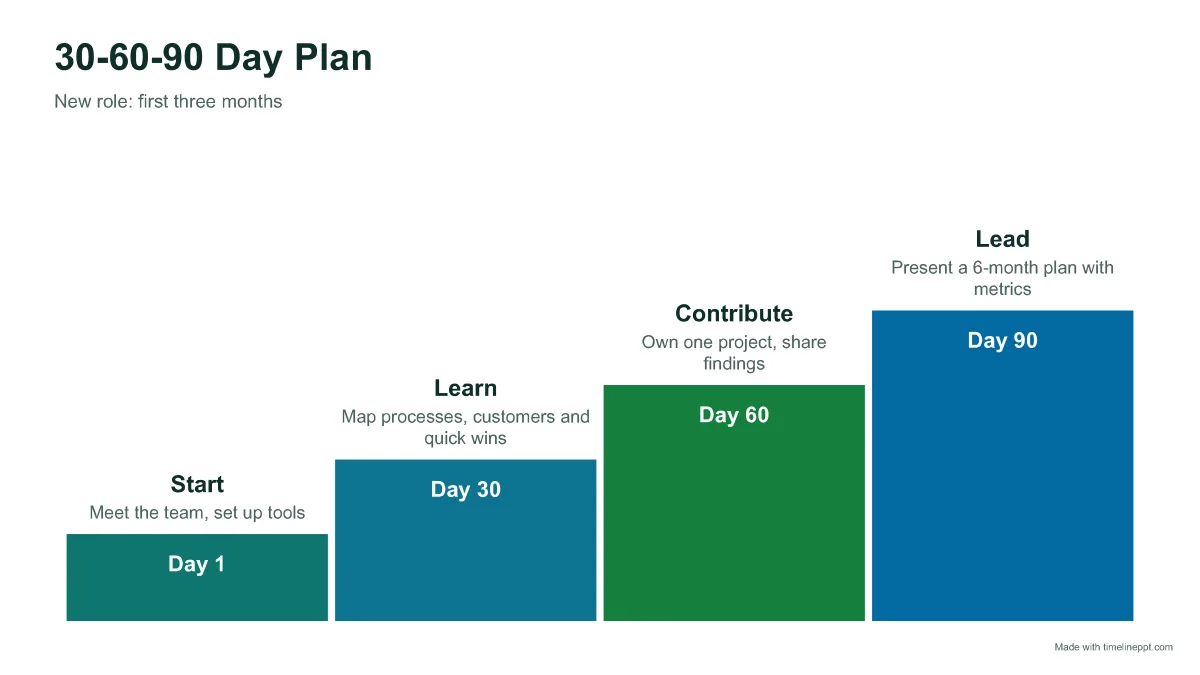
30-60-90 day plan: rising steps that show growing responsibility.
Why these templates are different
Every template here is generated from data by the same engine as our timeline maker. That means you are never stuck with five dots when you have seven milestones: open the template, add or remove items, and the layout, spacing and text sizes adjust automatically. The download is a native PowerPoint slide built from shapes and text boxes, not a flattened image.
Timeline template FAQ
Are these timeline templates really free?
+
Yes. Every template without a Pro badge downloads free as an editable .pptx, with no signup and no attribution required. Pro templates (Gantt chart, Now/Next/Later) can be previewed free.
Can I use the templates for work or clients?
+
Yes. You can use the downloaded slides in personal, school and commercial presentations. You may not resell the templates themselves as a template pack.
How do I change the dates in a template?
+
Click Customize to open the template in the timeline maker, edit the milestones, and download. Or download the .pptx and edit the text boxes directly in PowerPoint.
Do the templates work in Google Slides?
+
Yes. Upload the .pptx to Google Drive and open it with Google Slides. All templates use Arial and standard shapes.