Last updated October 4, 2026 · By The TimelinePPT editorial team, who tested every style in PowerPoint 365, Google Slides and Keynote.
What is a timeline PPT template?
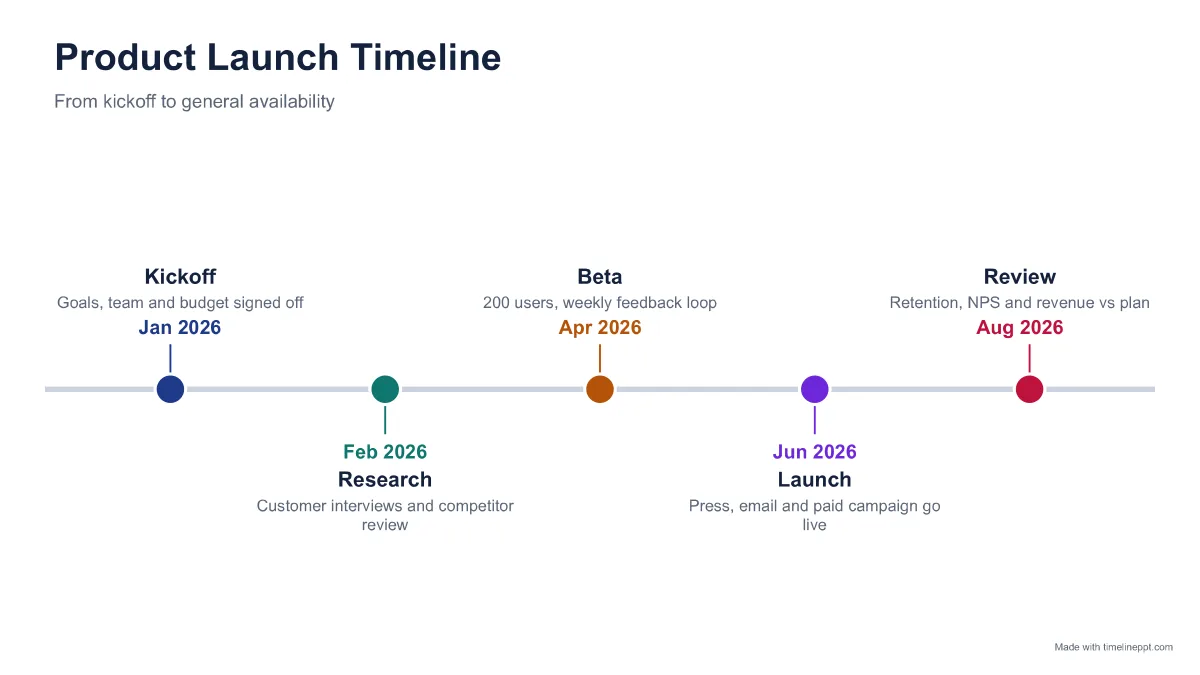
A timeline PPT template is a PowerPoint slide layout that shows events or milestones in date order: usually a line or arrow, a marker for each milestone, and a short label with the date. Teams use them for project plans, product roadmaps, marketing calendars, company histories and school presentations.
Most templates you can download are static pictures of a timeline with five placeholder dots. When your plan has seven milestones, or the gap between March and October matters, you end up dragging shapes around for half an hour. The maker above works the other way round: you enter the data, and the slide is laid out for you as native, editable PowerPoint shapes.
How to make a timeline in PowerPoint in 4 steps
- Enter your milestones. Type a date, a short title and an optional note for each milestone, or paste a list copied from Excel, Google Sheets or a document.
- Pick a timeline style. Choose classic line, milestone cards, arrow process, roadmap columns, vertical, circles, steps or minimal. The preview updates instantly.
- Choose colours and spacing. Select a colour theme, 16:9 or 4:3 size, and even spacing or to-scale spacing that reflects the real gaps between dates.
- Download and present. Click Download .pptx and open the editable file in PowerPoint, Keynote or Google Slides, or export a PNG image.
Because the file is a real .pptx, you can keep editing it afterwards: change a date, recolour a milestone, or copy the slide into your company deck. It takes on your deck's fonts if you apply them.
Which PowerPoint timeline format should you use?
Pick the format that matches what your audience needs to understand, not just what looks nice:
| Style | Best for | Comfortable milestones |
|---|---|---|
| Classic line | Project and launch plans, general overviews | 4-8 |
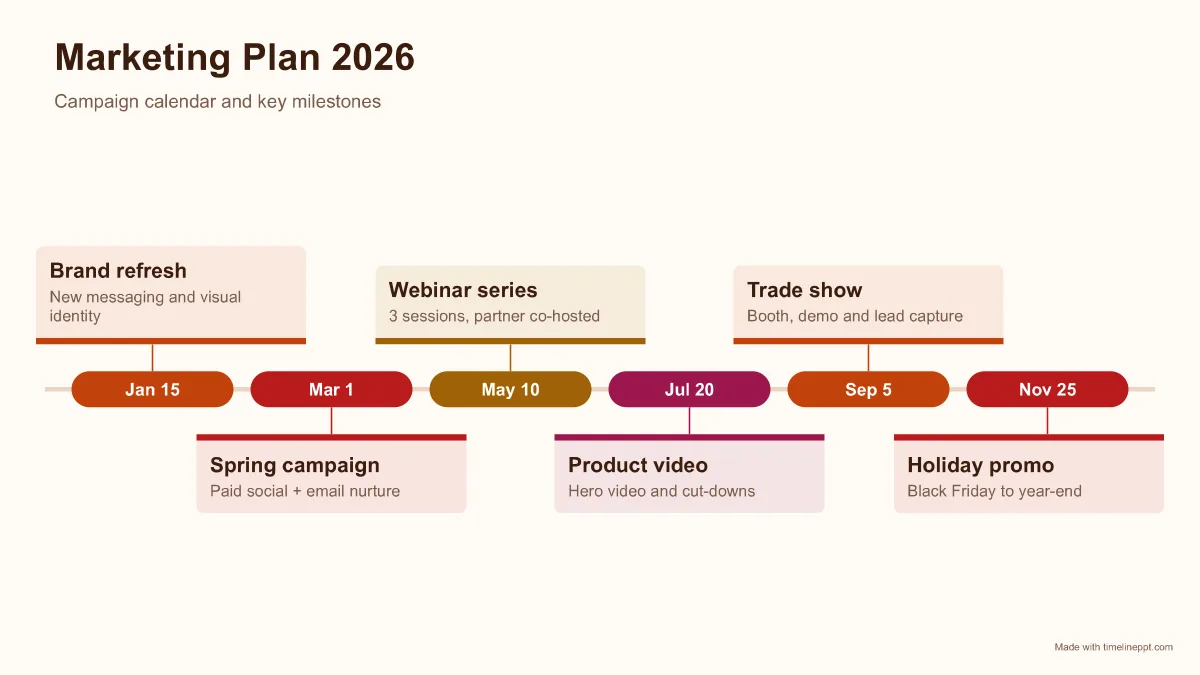
| Milestone cards | Marketing plans and onboarding, where each item needs a note | 4-7 |
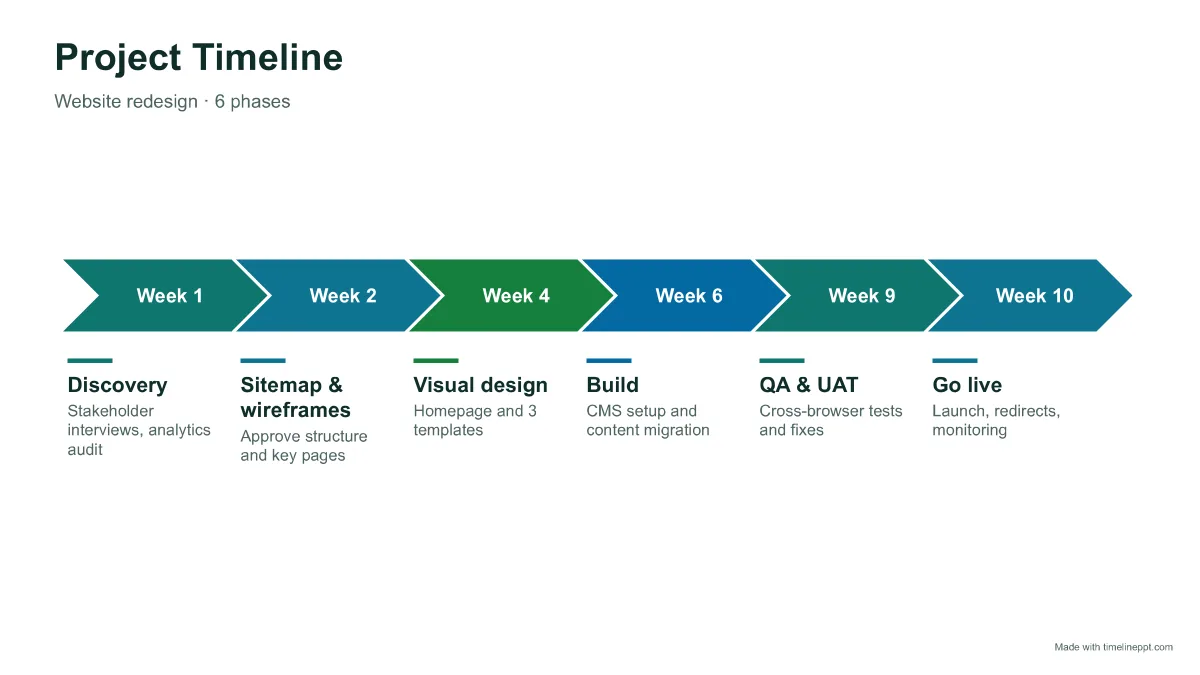
| Arrow process | Phases that happen in sequence (discovery → build → launch) | 3-7 |
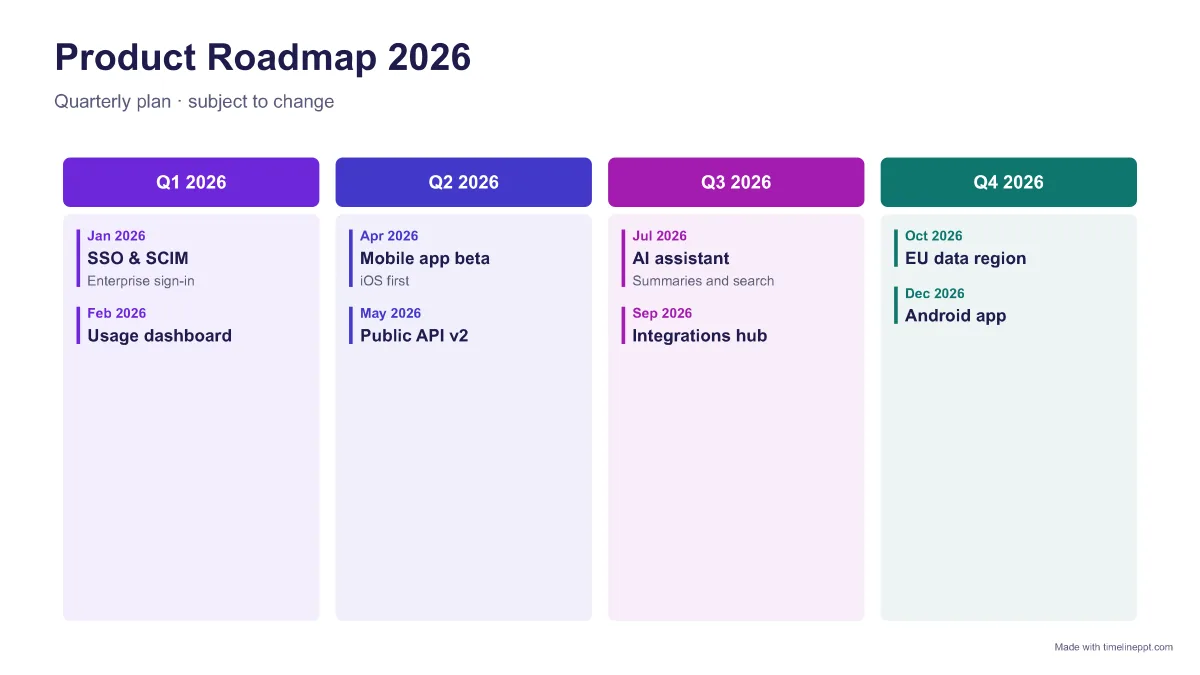
| Roadmap columns | Quarterly or monthly roadmaps for leadership decks | 6-12 |
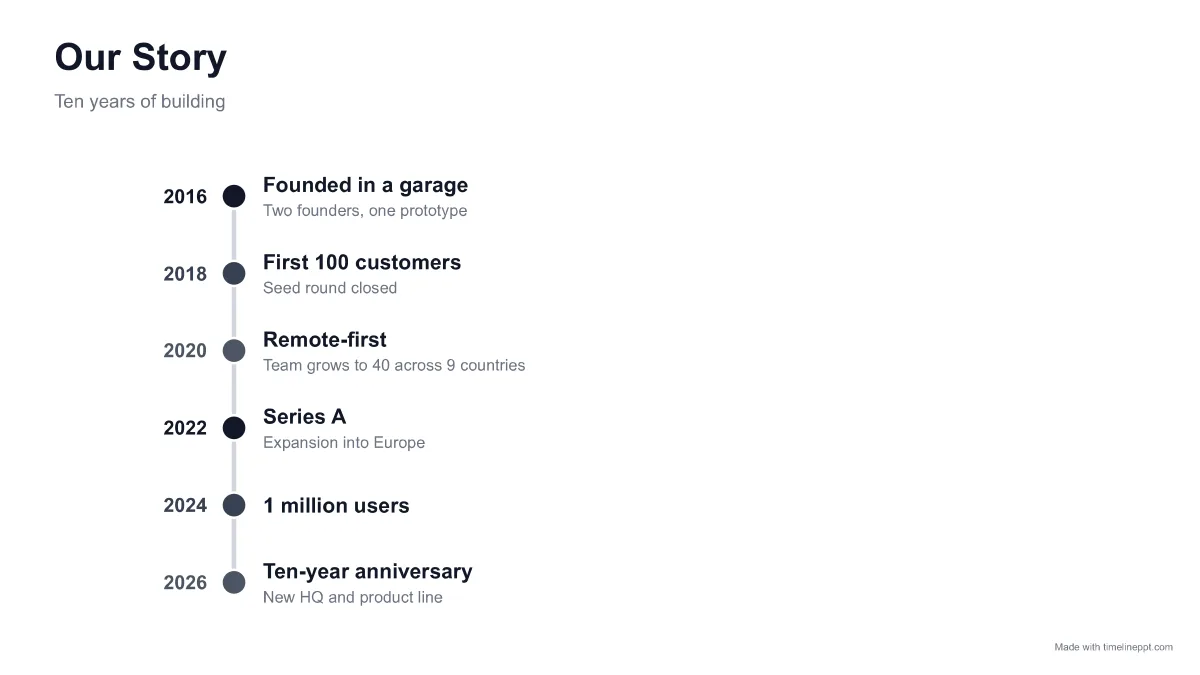
| Vertical | Company history, “our story” and long lists | 4-12 |
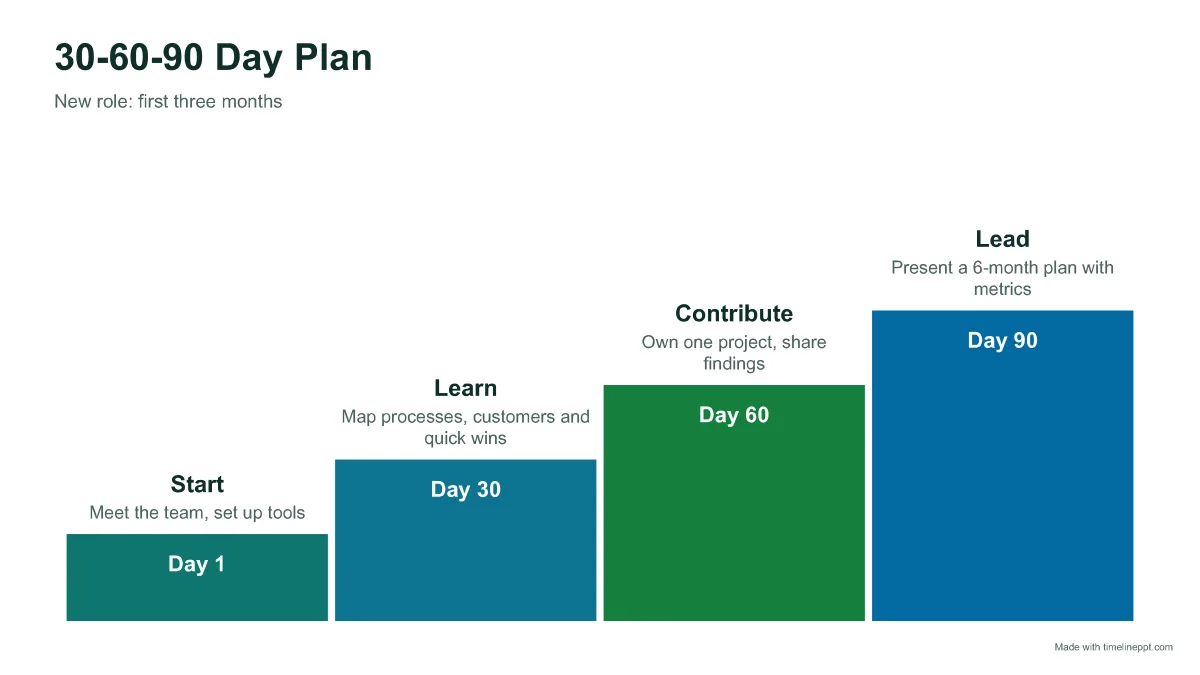
| Circles / Steps | 30-60-90 day plans, countdowns, growth stories | 3-6 |
| Minimal (to scale) | History lessons where real gaps between years matter | 4-10 |
| Gantt / swimlanes (Pro) | Overlapping tasks with start and end dates, by team | 5-30 |
What to include on a timeline slide
- A title that states the point: “Launch moves to June” beats “Timeline”.
- 4-8 milestones. More than that and the audience stops reading. Split long plans into phases or use the vertical style.
- One consistent date format, such as “Mar 2026” or “Q2 2026”. Mixed formats look sloppy and break to-scale spacing.
- Short labels (2-4 words) with an optional one-line note for detail.
- Colour with meaning: one colour per phase or team, not a rainbow for decoration.
Common timeline PPT template mistakes
- Misleading spacing. Evenly spaced dots make a 2-week gap look like a 6-month gap. Switch to “To scale” when time gaps matter.
- Tiny fonts. If text drops below about 10 pt, the slide is too crowded. Cut milestones or move details to speaker notes.
- Image-only timelines. A timeline pasted as a picture cannot be updated next week. Always keep an editable version.
- No “today” context. For status updates, say in the subtitle where you are, e.g. “Status: Beta (on track)”.
Timeline maker vs. SmartArt vs. add-ins
| Option | Strengths | Trade-offs |
|---|---|---|
| PowerPoint SmartArt | Built in, free | Not date-aware, few timeline layouts, fiddly to style |
| Template libraries | Many designs | Fixed number of milestones, manual editing; many need a subscription or attribution |
| PowerPoint add-ins | Powerful Gantt features | Installation (often blocked on work laptops); free tiers are limited and paid plans cost about $108-252/year |
| TimelinePPT maker | Data-driven layout, editable .pptx, Google Slides ready, runs in your browser | Single-slide timelines; Gantt and roadmaps need Pro |
Timeline slide ideas by use case
- Project status update: 5-6 phases with the current one called out in the subtitle (“Now: build, on track”).
- Product roadmap: group items by quarter with the roadmap columns style, or use Now/Next/Later when dates are uncertain.
- Marketing planner: one card per campaign with launch date and channel, such as “Mar 1 · Spring campaign · paid social”.
- Sales or board deck: company milestones to date plus the next two goals, so investors see momentum.
- Classroom and history projects: to-scale spacing makes the long gaps between events obvious, which helps students remember.
- Personal plans: wedding countdowns, study schedules, relocation checklists or a 30-60-90 day plan for a new job.
Use your timeline in Google Slides or Keynote
Download the .pptx, then in Google Drive choose New → File upload and open the file with Google Slides. Keynote opens .pptx files directly. Every timeline uses Arial and standard shapes, so it looks the same in all three apps.
Free timeline templates to start from
Prefer to start from an example? These timeline PPT templates open in the maker with sample data you can replace. See all of them in the template library, or jump to roadmap templates, project timeline templates, the project planner template, the Gantt chart template and the marketing planner template.