Plan backwards from the fixed date (launch, event, contract end) and add buffer before it.
Keep one source of truth. Use the slide to communicate the plan, and the project tool to run it.
Revisit the planner at each phase gate and update dates honestly; a slide with stale dates loses trust fast.
Project planner template FAQ
What is a project planner template?
+
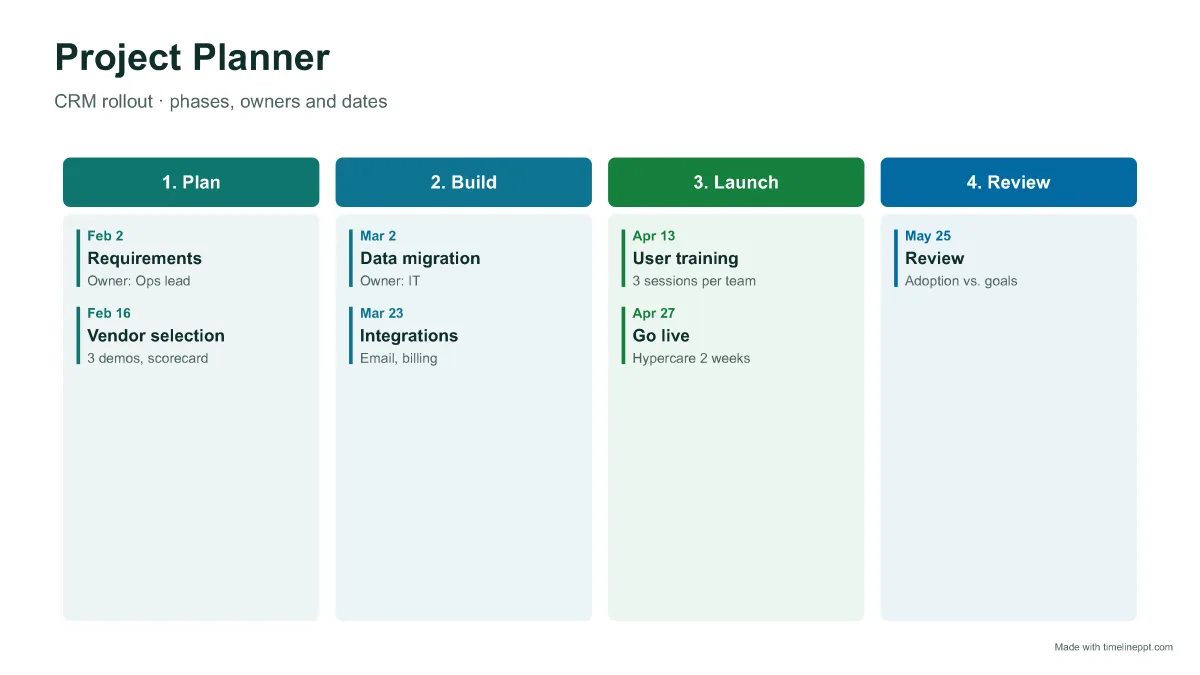
A one-page plan that shows a project's phases, key tasks, owners and dates. It's the slide you use to kick off a project or update stakeholders, while detailed tasks stay in your project tool.
What should a project plan include?
+
Goal and scope, phases, key tasks or deliverables per phase, an owner for each, dates or durations, and the decision points such as sign-offs and go-live.
Project planner, timeline or Gantt chart: which do I need?
+
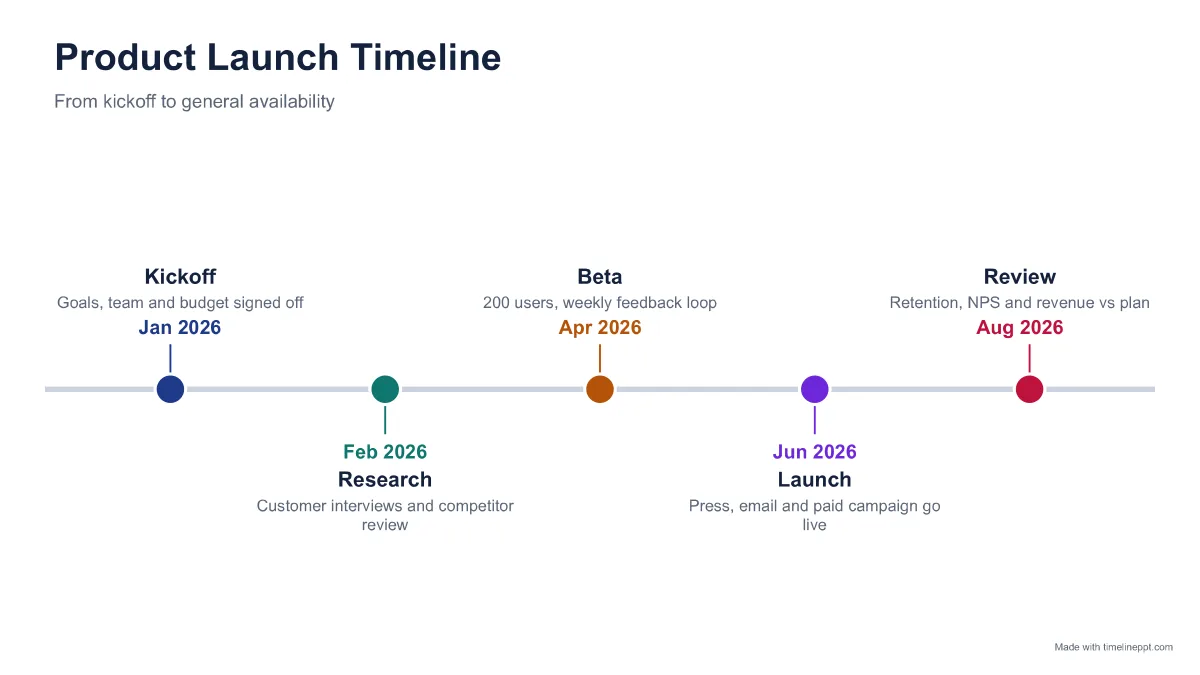
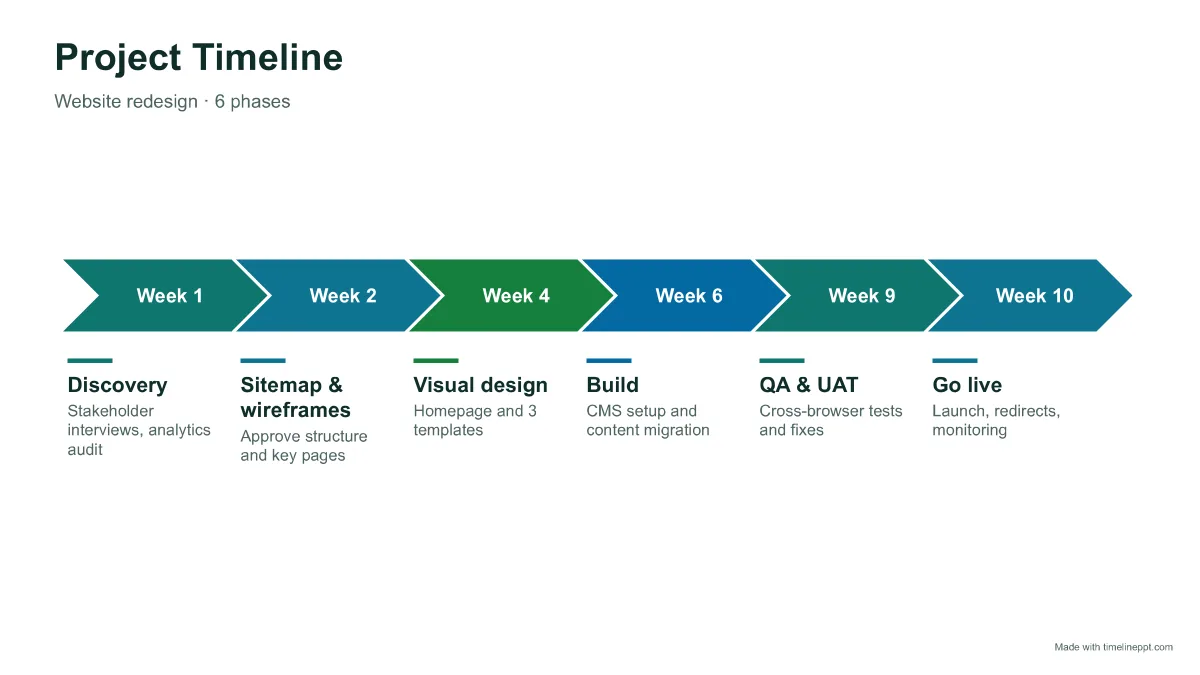
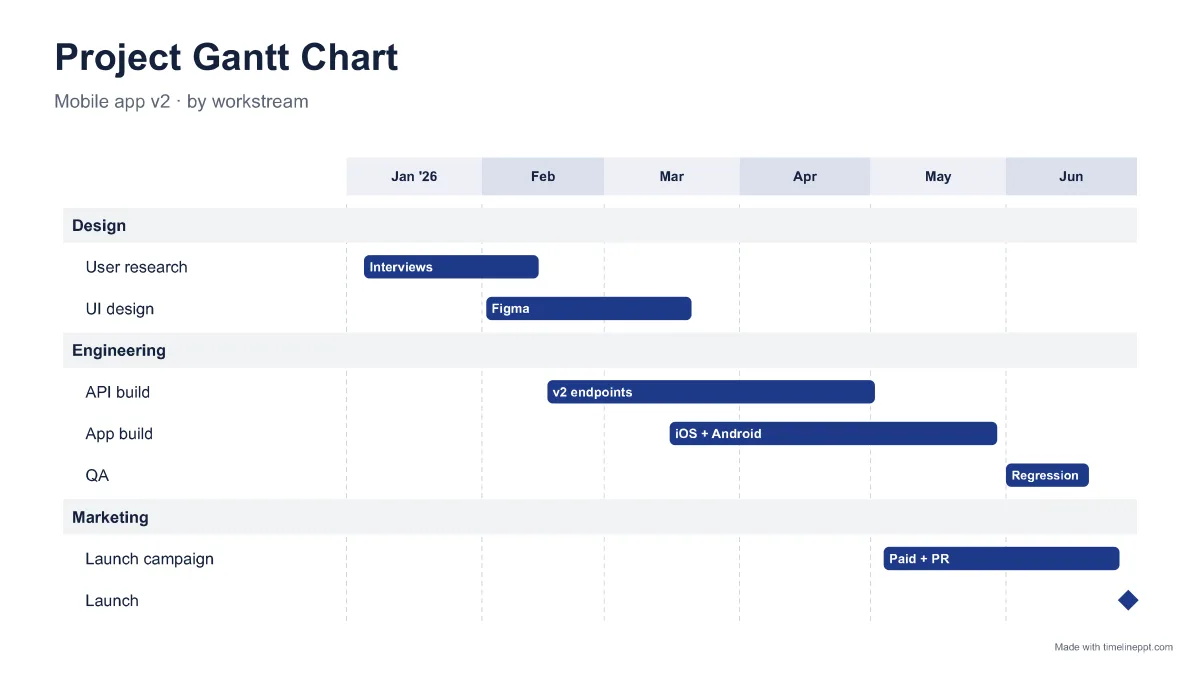
Use a project planner to show phases and responsibilities, a project timeline to show key dates, and a Gantt chart to show task durations and overlaps. The maker can switch between all three with the same data.
Can I use the project planner in Google Slides or Excel?
+
The planner downloads as an editable .pptx that opens in PowerPoint, Google Slides and Keynote. With Pro you can import your task list from Excel or CSV.