What to put in a marketing planner
- Campaigns and launches with their start dates, such as product launches, seasonal promotions and events.
- The channel in the note (email, paid social, PR, SEO) so overlaps are easy to spot.
- Key dates you don't control: holidays, trade shows, product releases, budget deadlines.
- An owner for each campaign if several people present the plan.
How to build a marketing planner in 3 steps
- List campaigns with a date, a short name and the main channel. Paste from a spreadsheet if you already have one.
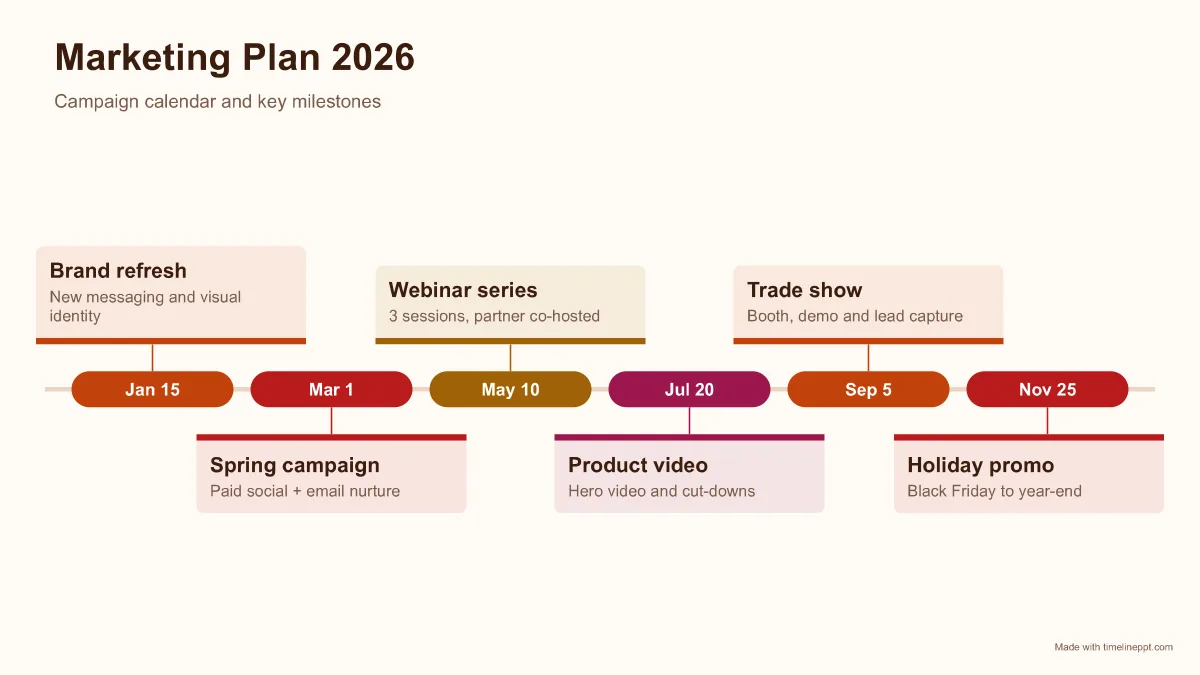
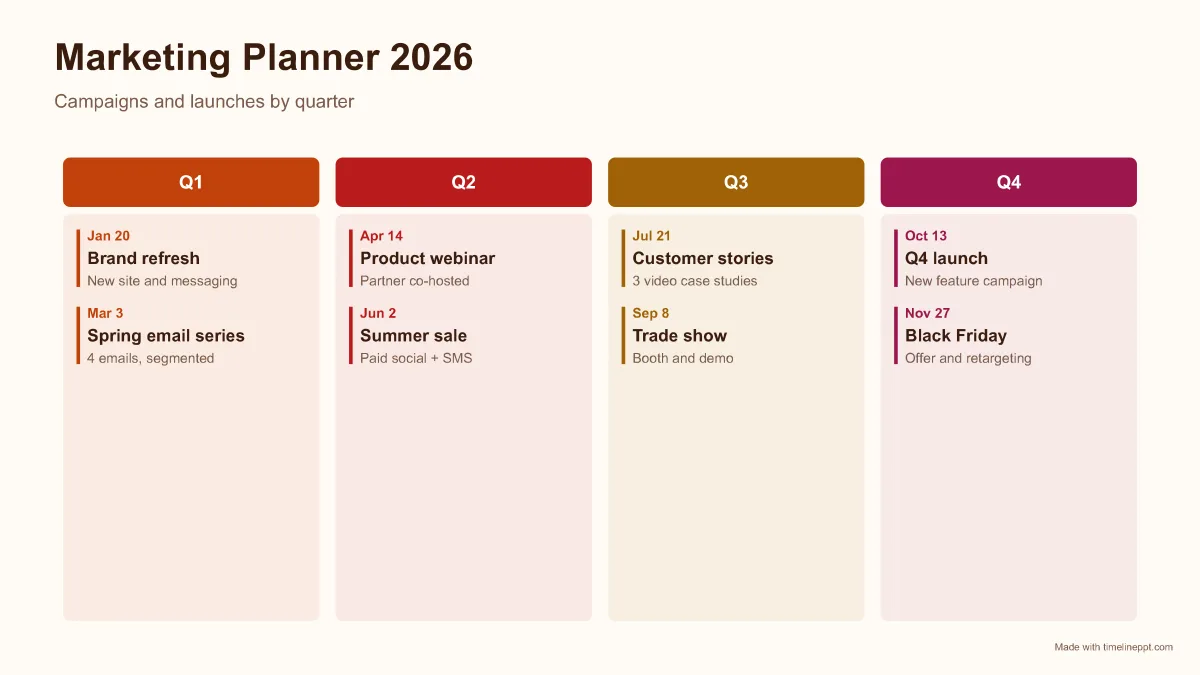
- Choose a layout. Roadmap columns group by quarter; milestone cards suit a single campaign calendar.
- Download the .pptx for your next marketing review, or export a PNG for Slack or Notion.
Marketing planner formats compared
| Format | Best for | Items |
|---|---|---|
| Quarterly columns | Annual marketing plan, budget reviews | 8-16 |
| Milestone cards | One campaign or launch calendar | 4-7 |
| Gantt (Pro) | Overlapping campaigns with run dates by channel | 5-30 |
Common marketing planning mistakes
- Planning every week of the year on one slide. Show the big moments and link to the detailed calendar.
- Missing dependencies, such as a launch campaign scheduled before the product ships. Put product dates on the same slide.
- Rainbow colours. Use one colour per quarter or channel so patterns stand out.
Need a broader plan? See the roadmap templates or the full timeline PPT template library.